
Getting around HomicideZero Learn
A quick tour of the platform: finding courses across all three families (Community Learning, Healthcare Workplace Violence, and Clinical Violence Prevention), taking lessons, earning certificates on the professional track, and managing your account.
Finding and starting a course
Browse every course from Courses. The professional program can be tailored to your role: clinician, counselor, school staff, or frontline staff. A separate course is free for parents and community members.
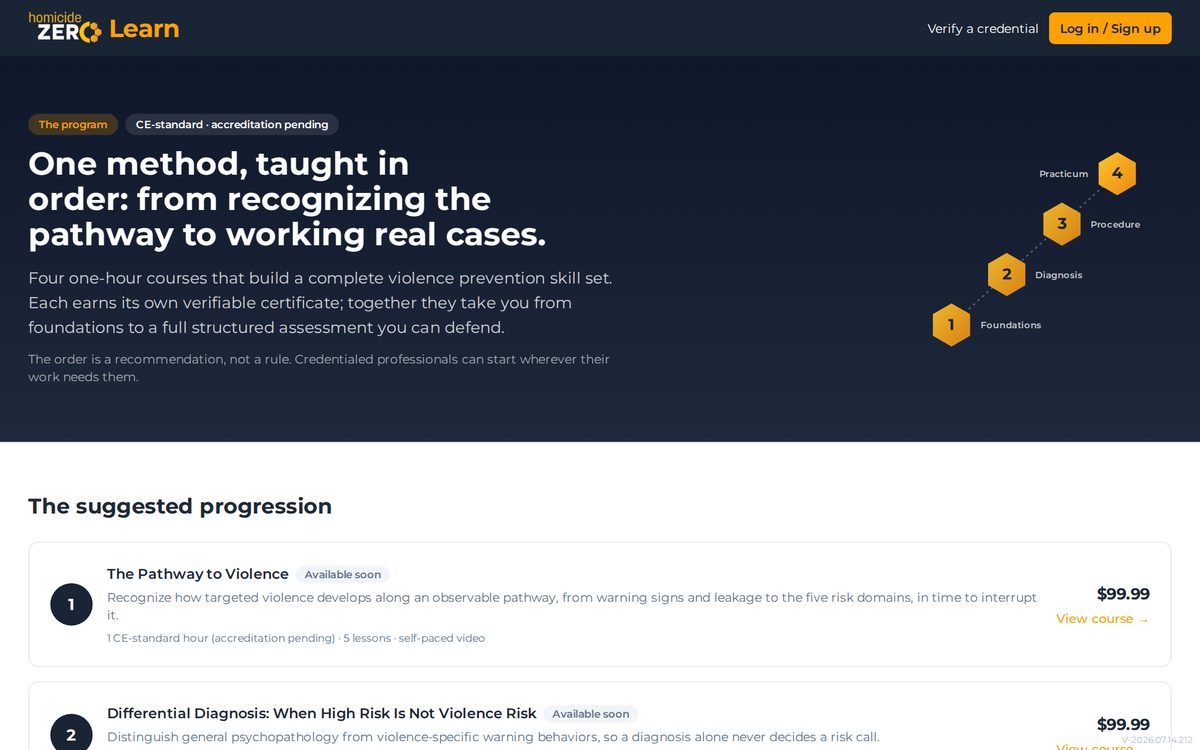
A course page shows what you will learn, the lesson list, and pricing (or Free). Select your track if the course offers more than one, then use the enroll or purchase button. If you are not signed in yet, we will create your account first and bring you right back to finish enrolling.
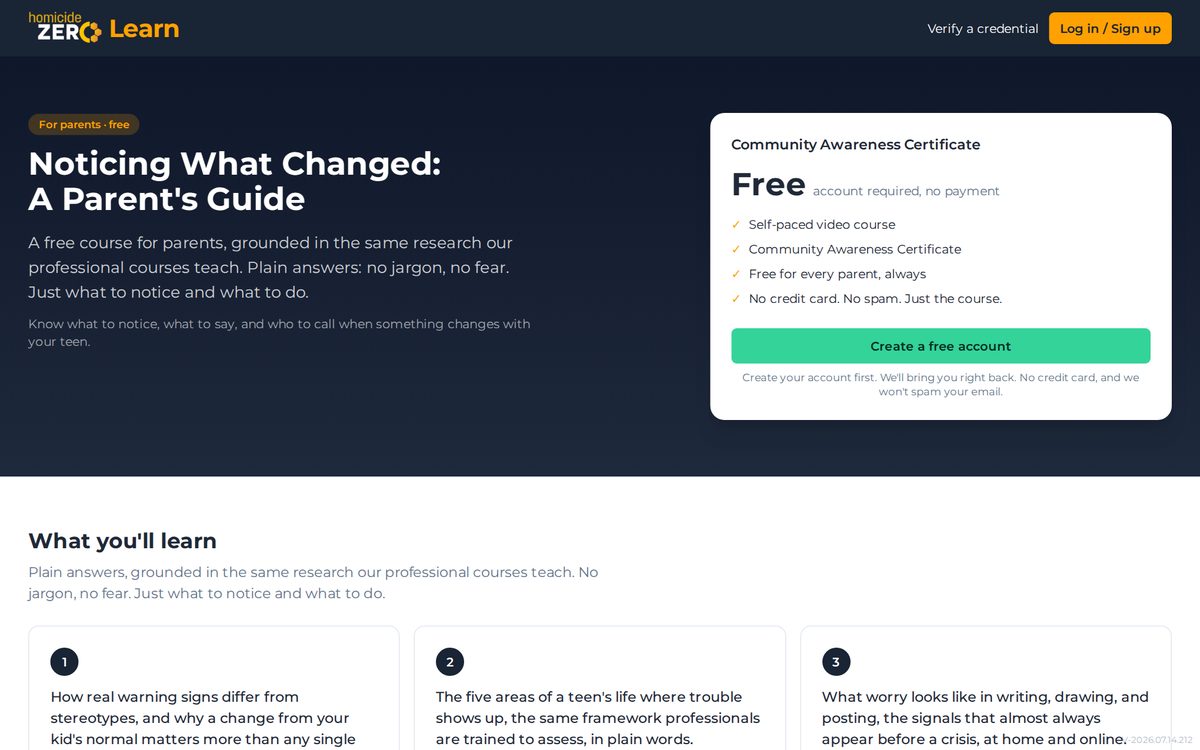
Your dashboard
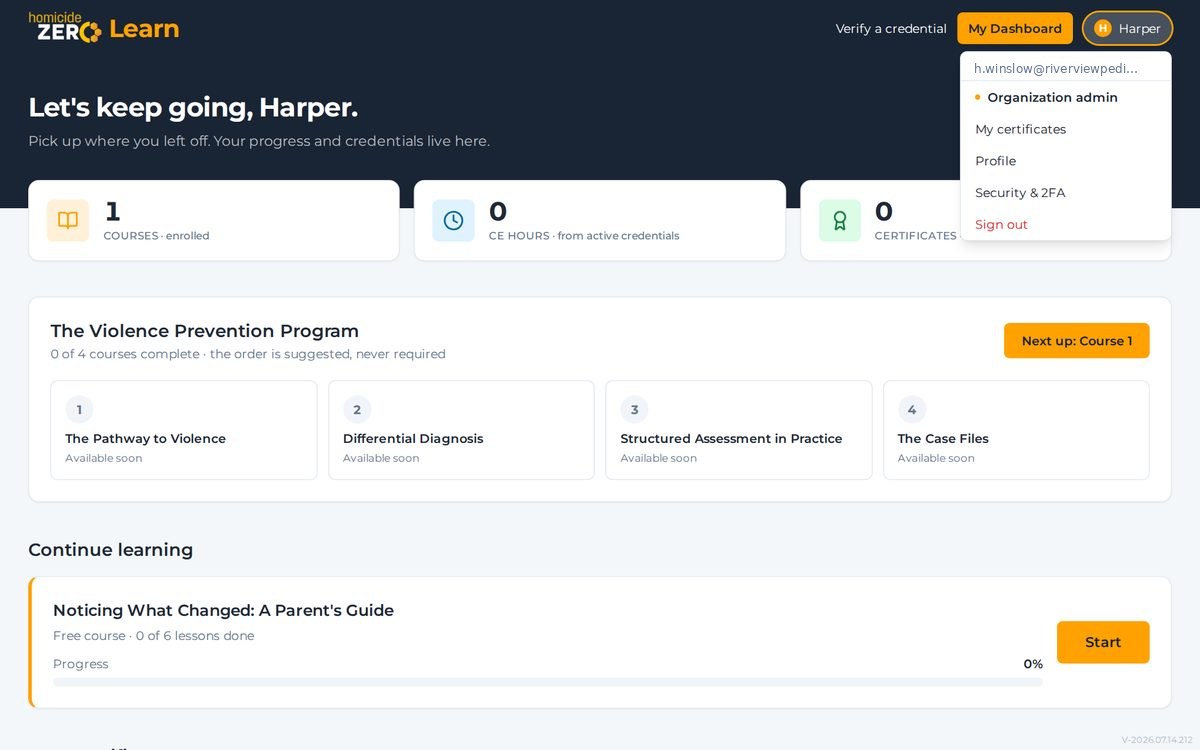
My Dashboard is home base: every course you are enrolled in, your progress, and what to do next. The header button takes you there from anywhere.
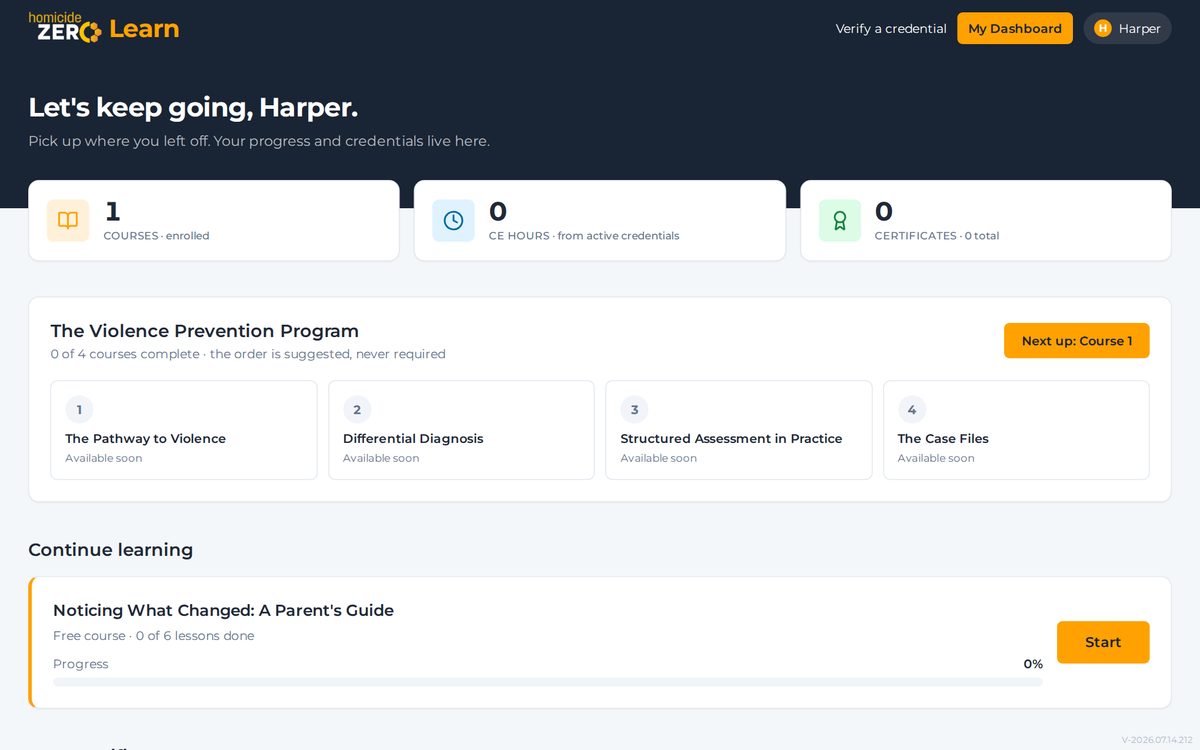
Taking lessons
Lessons are short videos you can watch on any device, and your spot is saved automatically. Paid courses guide you through the videos in order so required viewing time is recorded. Most lessons end with a short knowledge check; professional courses finish with a final knowledge check and evaluation before the certificate is issued.
Certificates
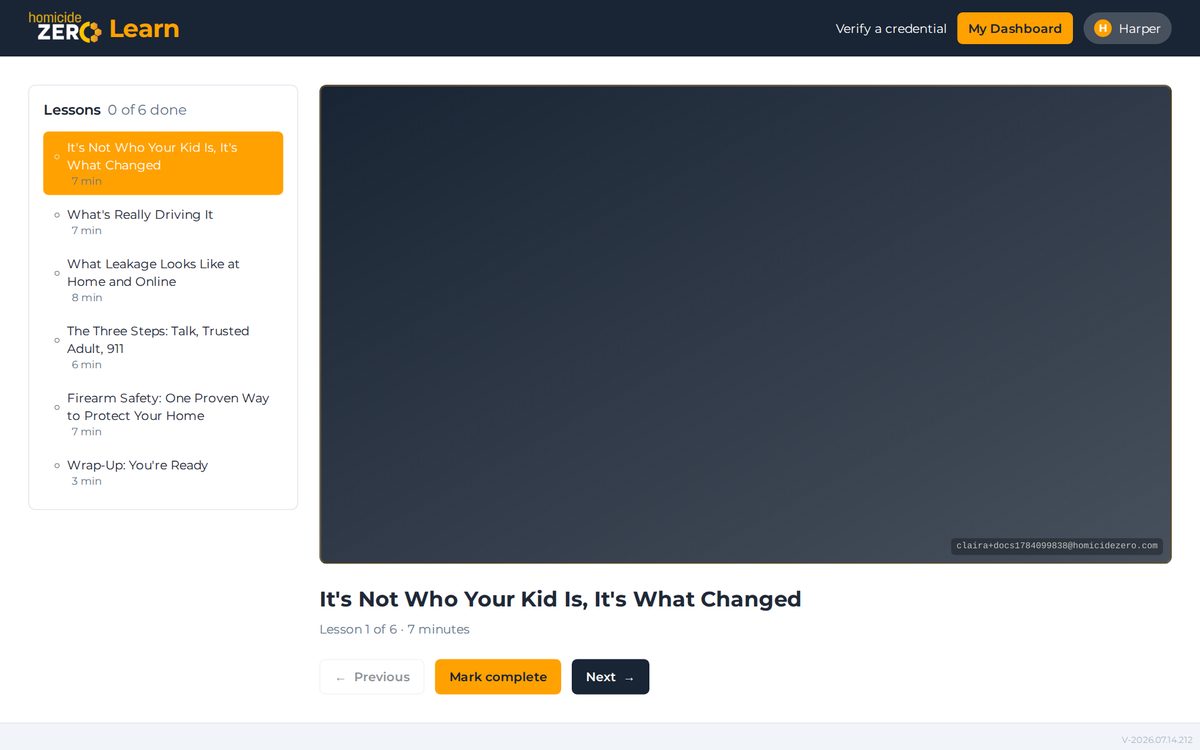
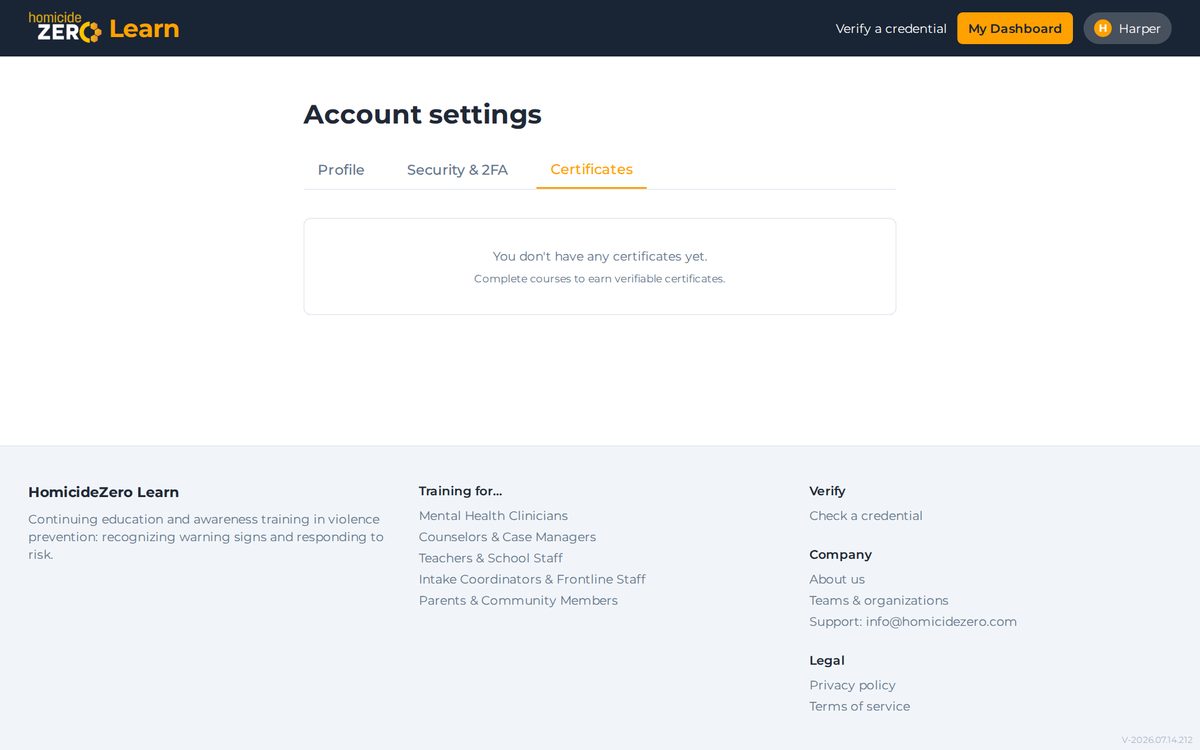
Our professional courses issue a verifiable certificate when you pass the knowledge check. The free parents course does not come with one: it is there to teach, not to credential. Community Awareness Certificates issued before 31 July 2026 remain valid and verifiable. Find your certificates under the account menu, in My certificates, where you can download the PDF or share a verification link.
The account menu
Your initial in the top-right corner opens the account menu: dashboard, certificates, profile, security settings (including optional two-factor authentication), and sign out. Organization admins also see their organization dashboard here, and this help page is always one click away.
Verifying a credential
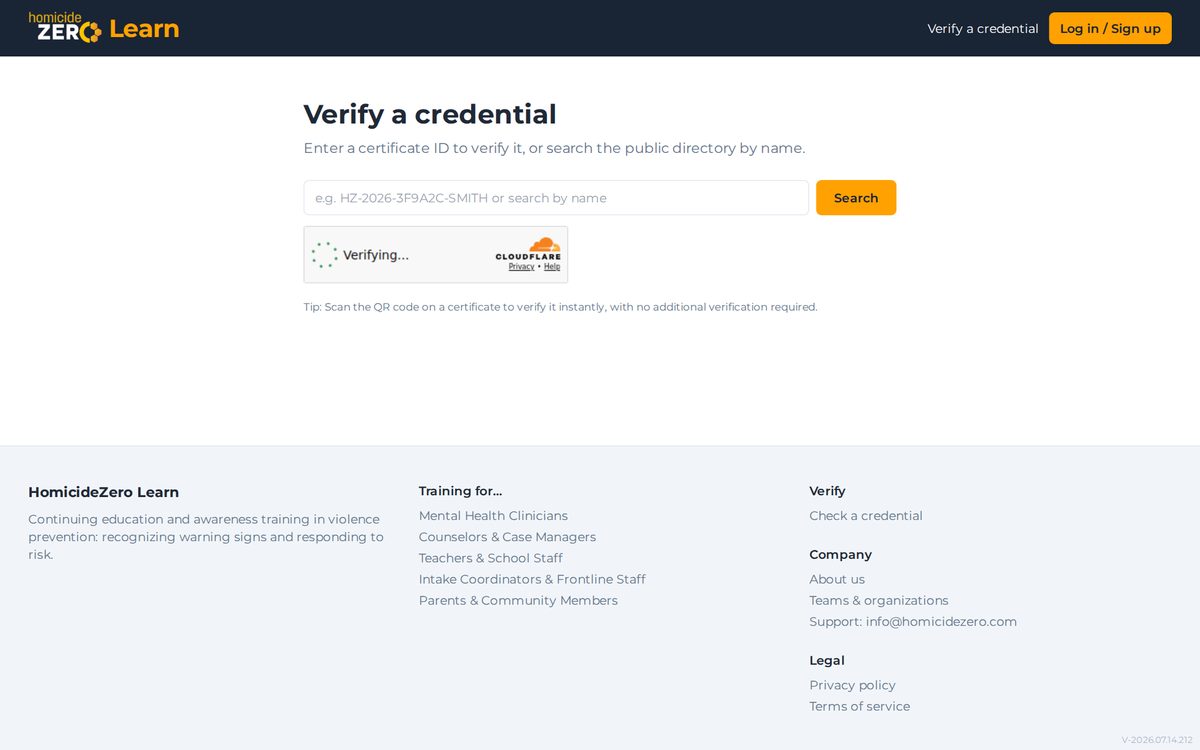
Anyone can confirm a HomicideZero Learn certificate is genuine at Verify a credential, using the certificate ID printed on the PDF. No account needed.
Getting more help
Stuck on something this page does not cover? Email info@homicidezero.com and a human will get back to you.